
W6MLP
Milpitas ARES®/RACES
Ham Radio is a Hobby...
Emergency Communications is a Commitment
Main EOC Setup
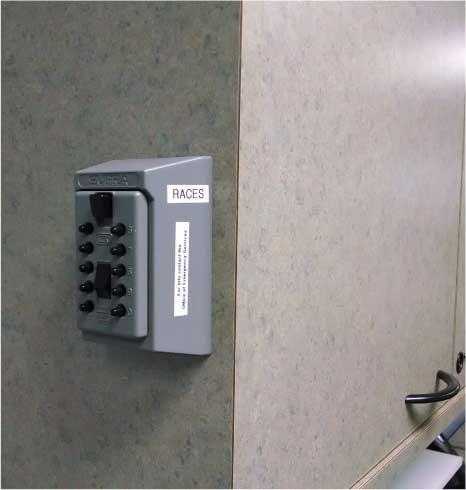
Get the cabinet key from the lock box at the end of the radio cabinet. All MARES personnel with city issued ID badges have the combination to the lock box.
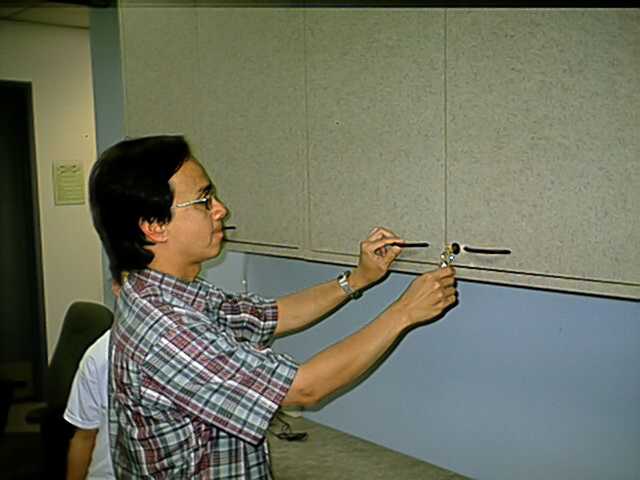
Open the Cabinet and setup the EOC-EOC Radio located in the far LEFT bottom cabinet.
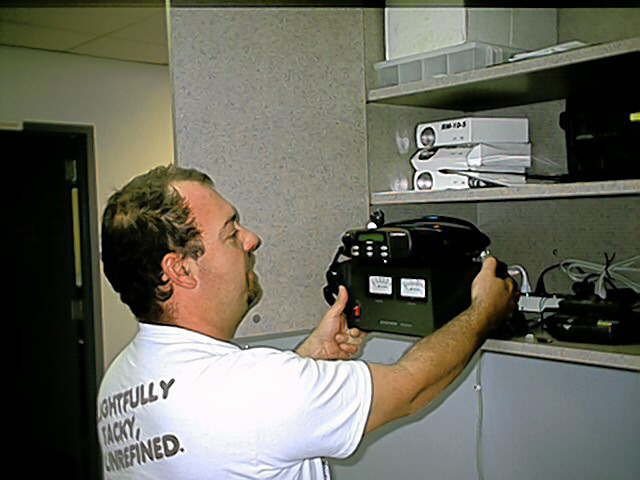
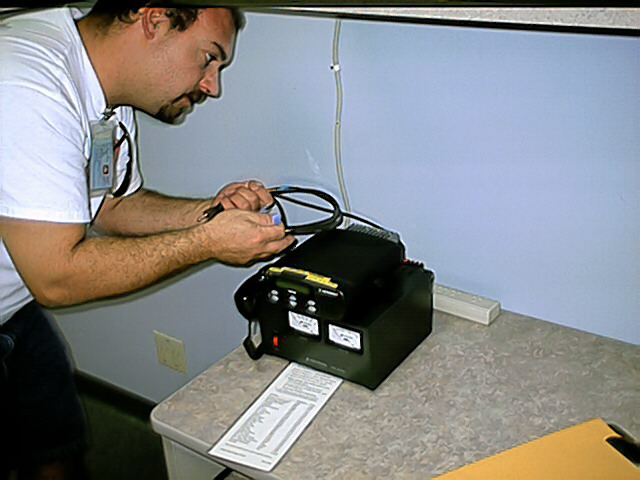
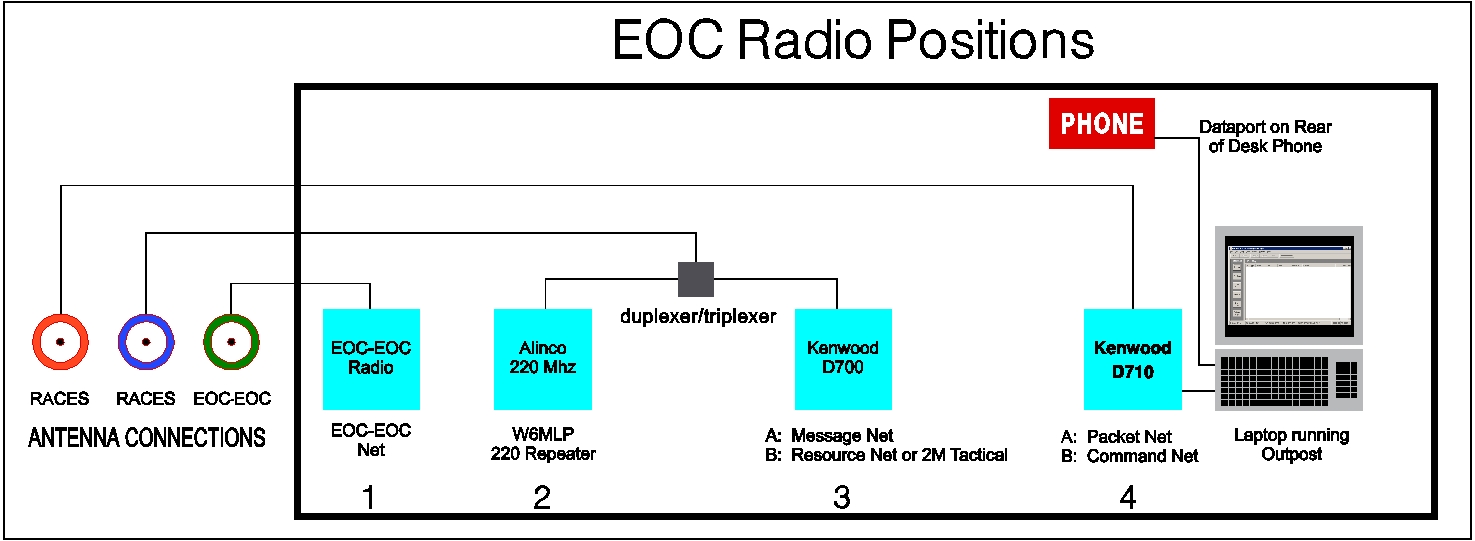
Open the Right side Cabinet and get the RACES radios out on the table. Leave the Power Supplies in the Cabinet. See diagram for location layout below.
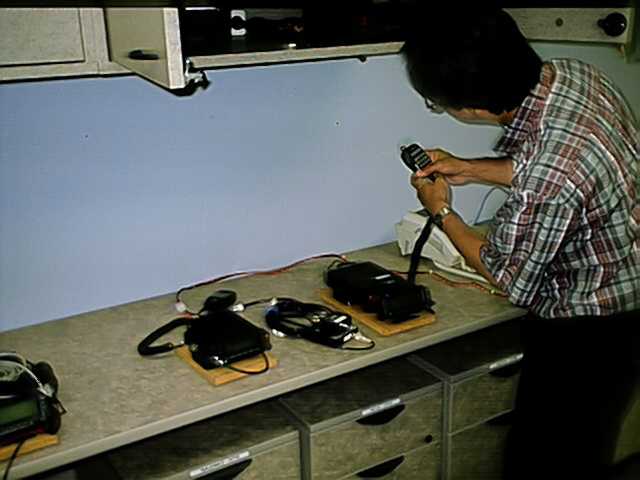
Hook up power supplies to the three radios
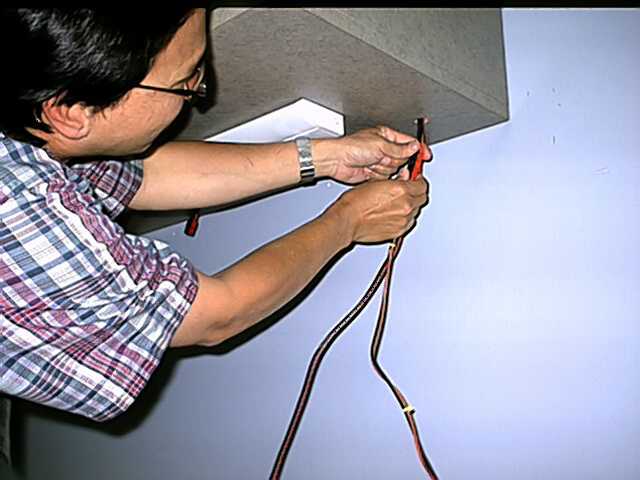
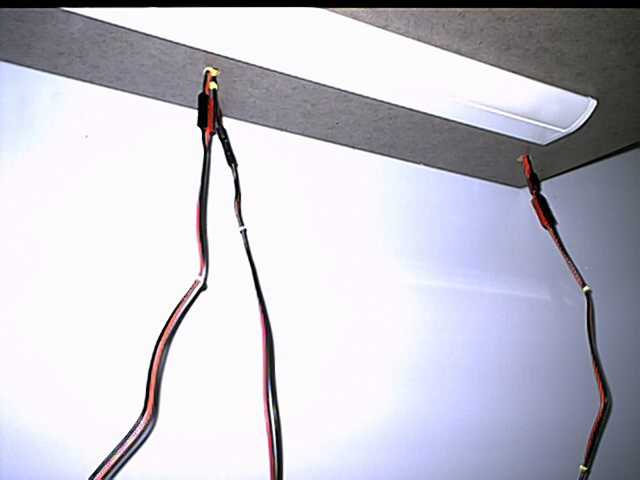
Set up the RACES Laptop and plug in the network cable to the data port on the back of the telephone. Connect cables between the TM-D710 and the laptop per the manual kept in the cabinet. The Packet Station TM-D710 has its own antenna plug.
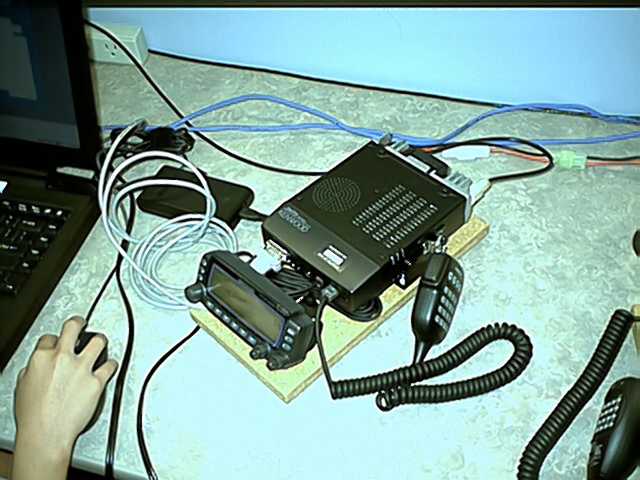
The Voice Stations include the Alinco DR-235 and TH-D700 which share one antenna. They must be connected to the antenna via the duplexer/triplexer seen below.
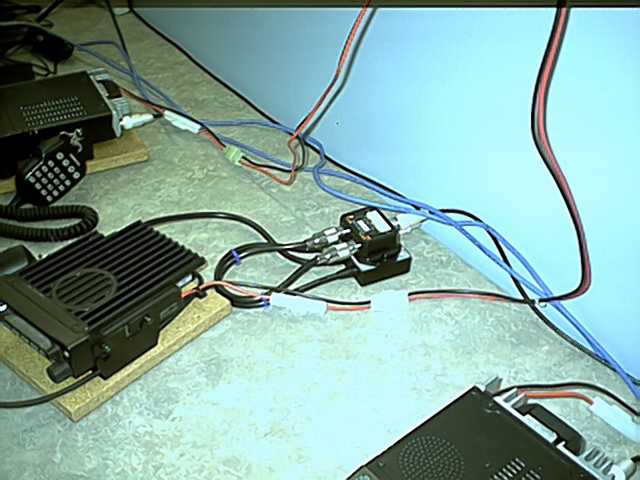
The Antenna connections are made at the wall near the floor to the LEFT of the RACES Station. Ethernet connectors are here too but a short cable should be on the back of the RACES telephone for use by the packet laptop.
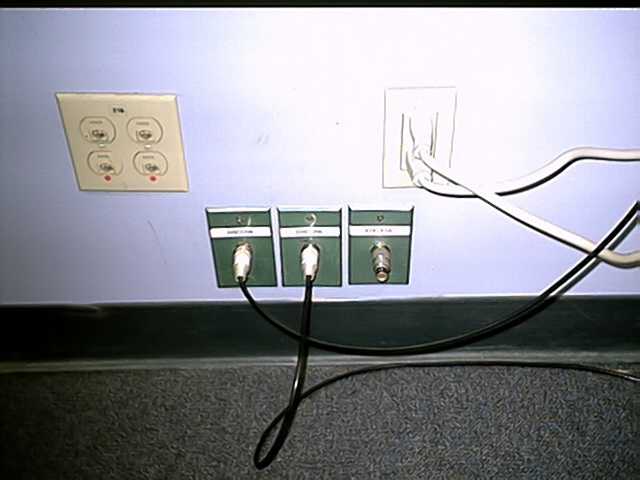
The Connectors are labeled. RACES antennas are on the LEFT. EOC-EOC Radio antenna is on the RIGHT. One RACES antenna is for PACKET the other is for the two Voice Station Radios via the triplexer
NOTE: The orange 115V power outlets are on backup power and are FOR RADIO USE. The white 115V power outlets are NOT FOR RADIO USE.
Last Updated: October 5, 2018