
HZ1JW Software
Introduction
pythonProp is a collection of Python 3 scripts designed to create voacap input (.dat) files and plot the resulting predictions. The package makes use of the matplotlib and cartopy libraries.
The package is released under the GPL license so may be freely modified. Please post any changes that may be of use to others via the contact details at the bottom of the page.
Top of PageScreenshots
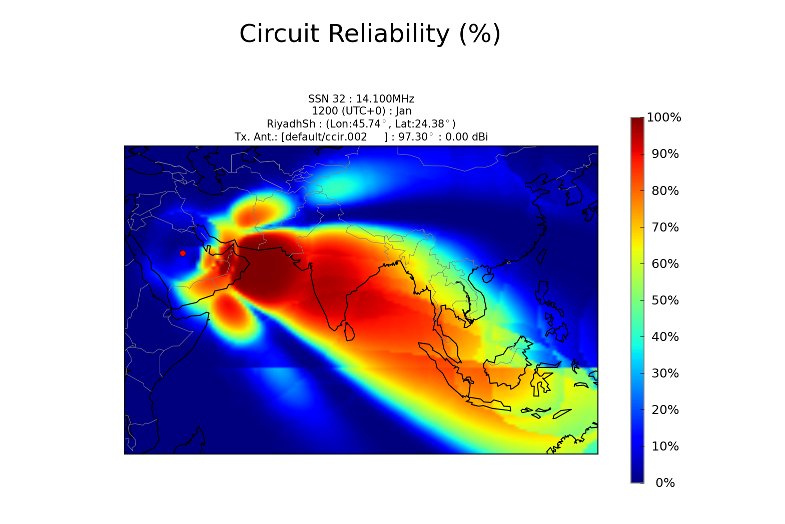
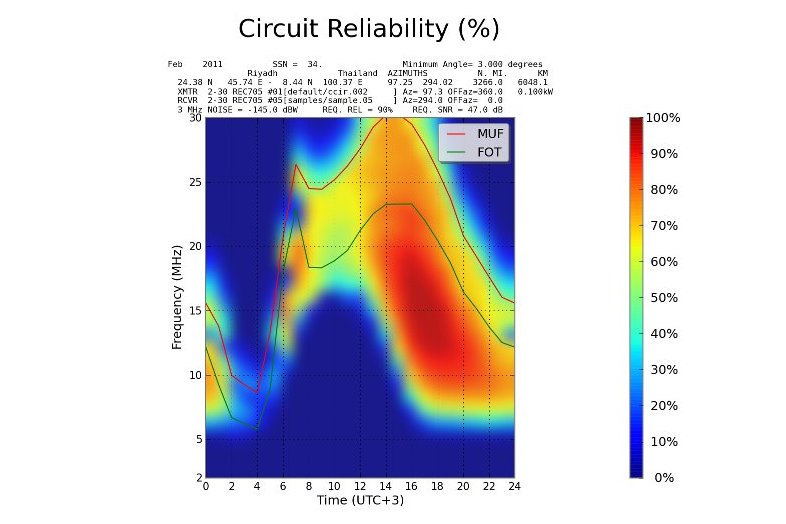
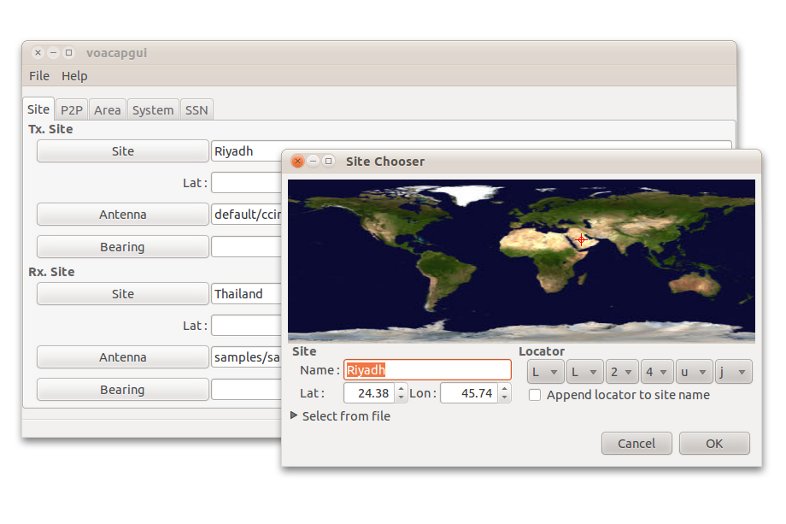
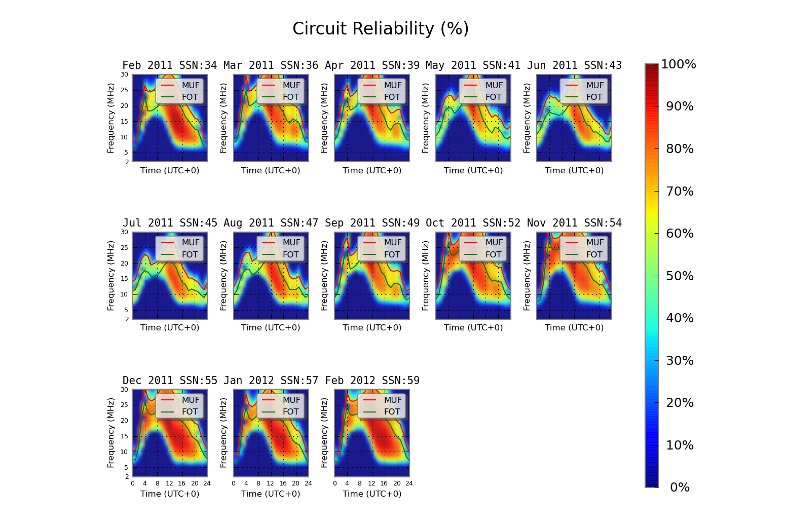
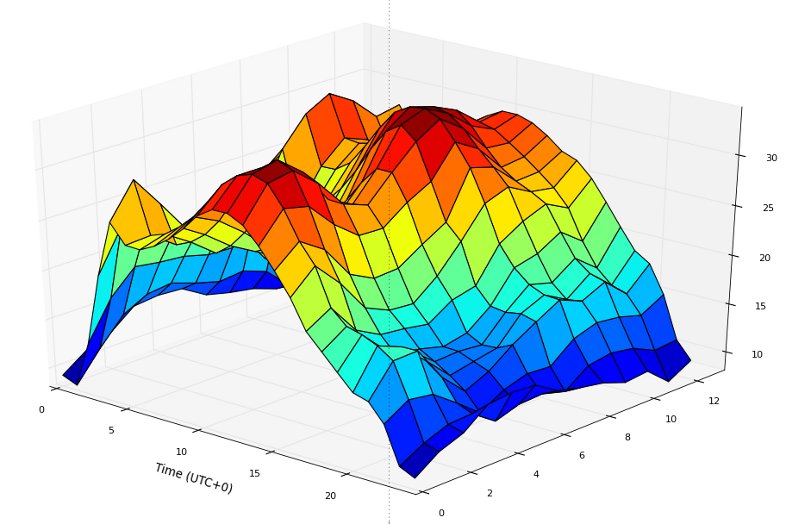
See below for a few
screen shots of the voacapgui application and some
plots produced with the pythonProp utilities;
 Top of Page
voacapgui
An input GUI for voacapl. This is under active development - please pass on any feature requests / bug reports.
The program is started from the command line with the command 'voacapgui' or from the Gnome desktop with the application command 'voacapgui'.
Top of PagevoaP2PPlot
This script plots the output of a Point-to-Point prediction. Signal to Noise (SNR), Reliability (REL), Maximum Usable Frequency (MUF) or Received Signal Strength (S DBW) may be plotted. The application supports time shifting of the lower (GMT)
Refer to the man page for details.
Top of PagevoaAreaPlot
This script plots the output of VOAARea predictions (.VGx files). Signal to Noise (SNR), Reliability (REL) or Maximum Usable Frequency (MUF) may be plotted. To produce correct type of input projection data files, the projection type flag in the input file's GRIDSIZE card must be set to '1', i.e.
Gridsize : 59 1
See the man page for details.
Top of PageDownloads
The latest version of the scripts is available from the Github repositary at https://github.com/jawatson/pythonprop/releases.
Top of PageInstallation
The scripts require the 'matplotlib' and cartopy ' toolkits.
Install the required dependancies with the following command;
$ sudo apt-get install build-essential python3-matplotlib python3-cartopy python3-scipy
Install the required dependancies with the following command;
$ sudo dnf install automake python3-matplotlib python3-cartopy python3-scipy
Download the pythonProp package from Github and use the following commands to install the scripts;
$ gunzip -c pythonProp-x.xx.tar.gz | tar x
$ cd pythonProp-x.xx
$ ./autogen
$ ./configure
$ make
$ sudo make install
The installer places the python scripts in /usr/local/share/pythonProp and shell script 'wrappers' in /usr/local/bin.
Top of PageAcknowledgements & Disclaimer
Sincere thanks to Jari PerkiPerkömäki (OH6BG), Alex Hill (G7KSE), Lowell (KC7DX) and Andreas Weller for bug testing, support and suggestions.
Top of Page© 2009-2016 J.Watson (M0DNS/HZ1JW). All rights reserved.