|
|
| Download the exe and place in a directory of your choice, or create a new one. If you have created a shortcut, double click on the locator icon |
 |
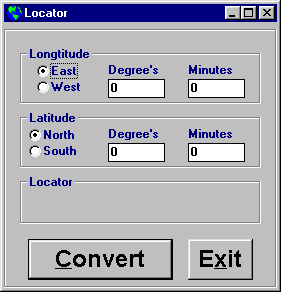
| Nothing fancy about this one, it'll pop up somewhere on your screen, looking like this |
 |
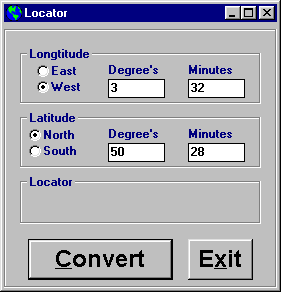
| As an example, we'll use my location which is Lat 50 deg. 28 min N, Lon 3 deg 32 min W. Enter the details |
 |
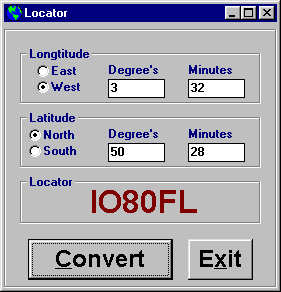
| Click on Convert and the 6 digit locator will be displayed. |
 |
| That's it, any problems, let me know and I'll do my best to help. |
 |
Home SoftwareSplitteremailVB DLL's SoftwareSplitteremailVB DLL's |
 |