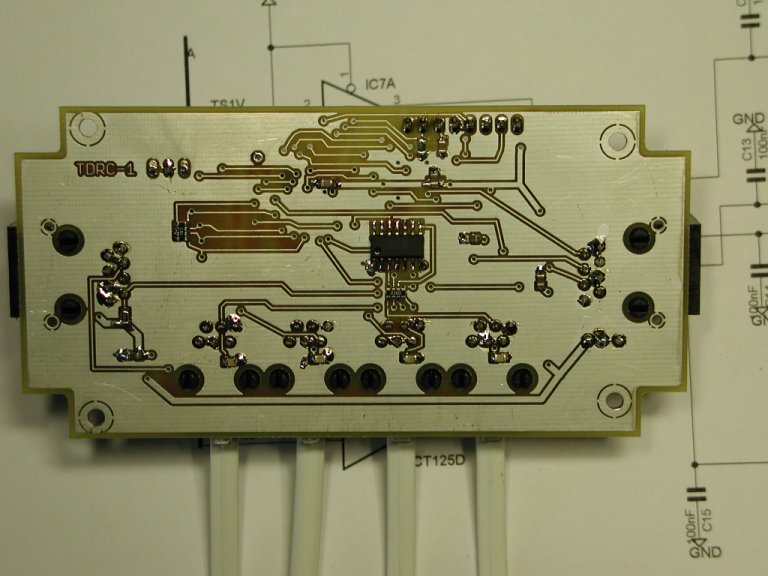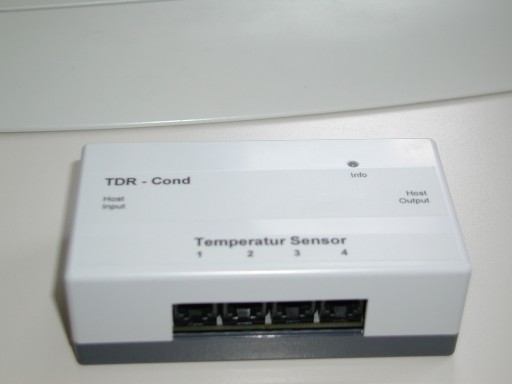
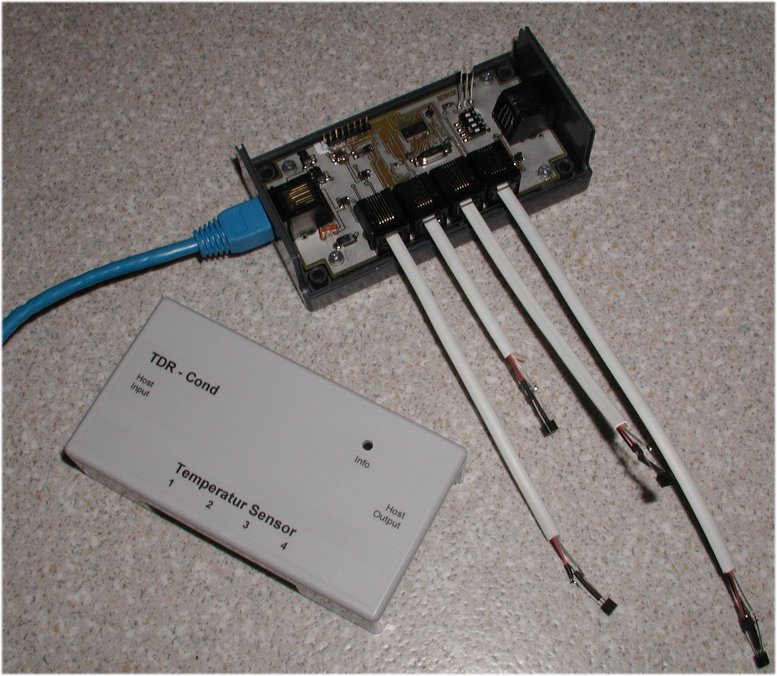
Simple interface for up to 16 high precision IST TSic 206/306/506
temperature sensors by ZMD
and for S0 AC power counter connection.
Interface für bis zu 16 hochgenaue IST TSic 206/306/506
Temperatur Sensoren von ZMD
und für Stromzähler S0 Interface
(click to the pictures)
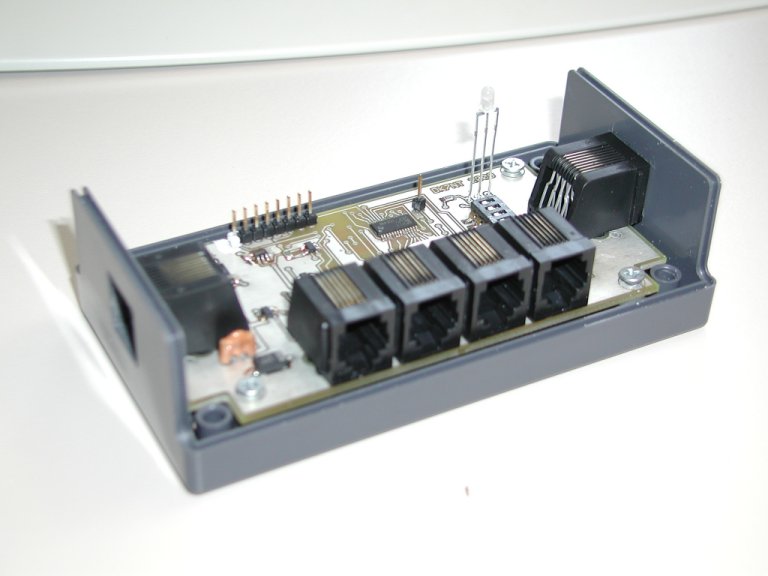
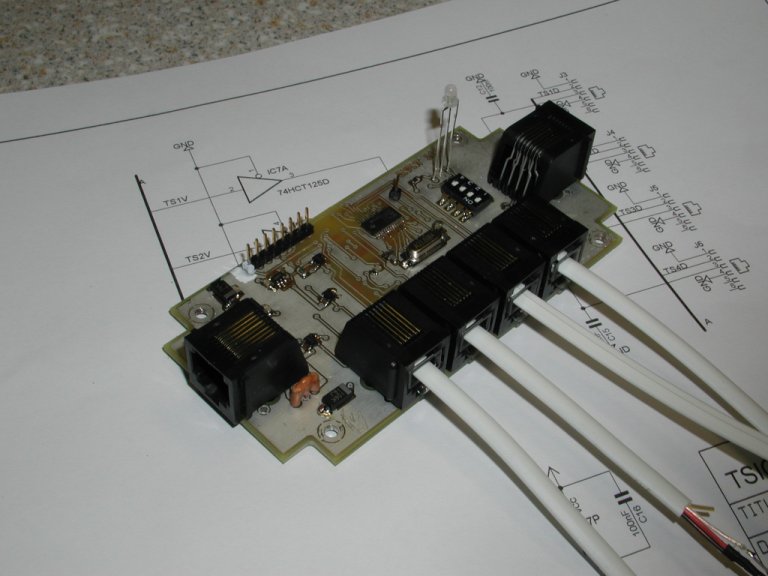
This small controller simplifies using the temperature sensors TSIC 206, 306, 506 and similar sensors by ZMD . It now can also handle up to 4 S0 connections to AC power meter. The controller manages the access of up to 4 temperature or S0 sensors on a single board and allows chaining of up to 4 of these boards (max. 16 TSIC sensor's can be supported or up to 16 S0 channels or any mixture of S0 and temperature sensors). The result will be transfered by a common serial RS232 interface (*) to a PC or another micro controller. There is a remote controlled mode and a self contained mode.
In remote controlled mode, there are a couple of commands which control readout of a single sensor or S0 channel. The data format is a mixture of ASCII and binary and it's already parity checked (for TSICs) .
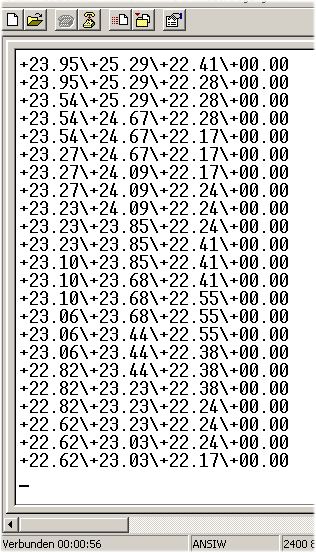
In self contained mode, the unit provides the result from 1 up to 4 sensors, in a readable ASCII format, which can directly be displayed on the screen. In this mode no chaining is possible.
The format of the ASCII string now fits to the RealView SW by ABACOM.
The TDR-Conditioner project is a part of a heating logger system for a Groundwater Heatpump.
(*) normally 5V TTL level, RS232 converter for V24 level is required additionally.
Layout ADT ADB
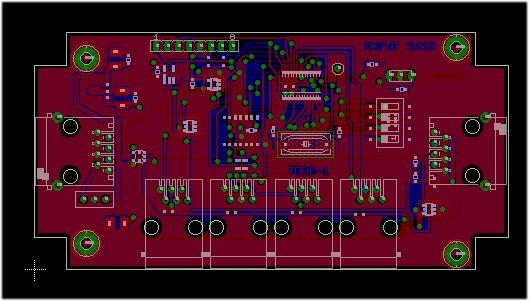

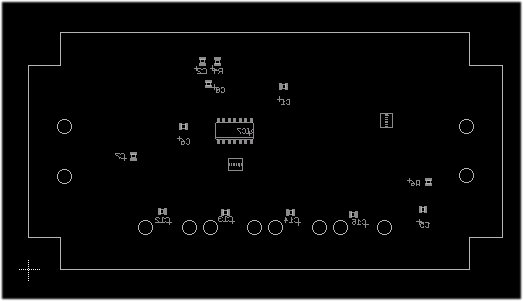
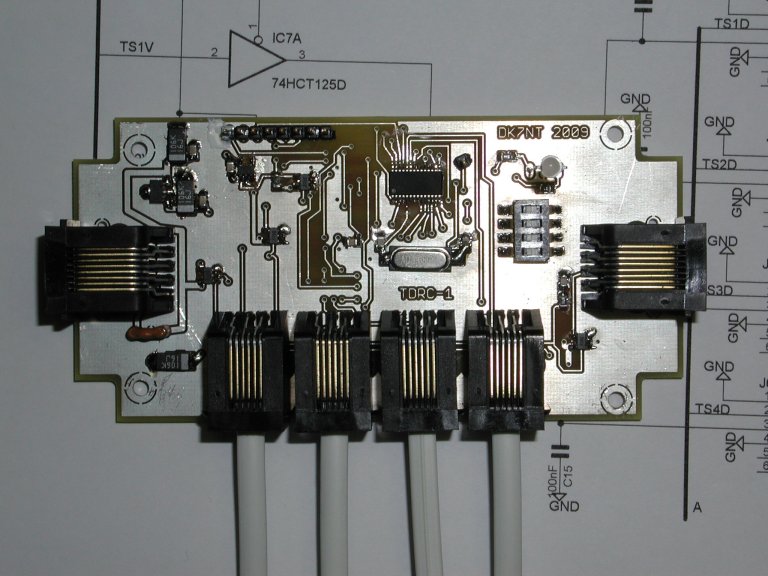
A Texas Instruments Microcontroller MSP430F1232 is doing the job.
Current consumption is less than 2mA .
The connection to the host and between other TSIC controller is done by RJ45 modular cables. Sensors will be connected via RJ12 modular connectors.
The board fits into a BOPLA E430 Polystyrol box.
Dimensions are 65mm*120 mm*40mm.
More pictures of the unit: